Everything below runs on the device. Nothing phones home.
Dual-core by design
Core 0 runs sensors, networking, the web server and telemetry. Core 1 does
nothing but drive the display, reading lock-free snapshots — so a busy
network never stutters the screen.
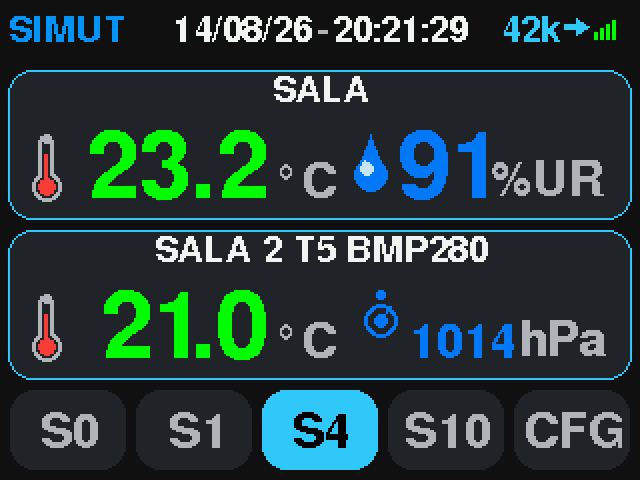
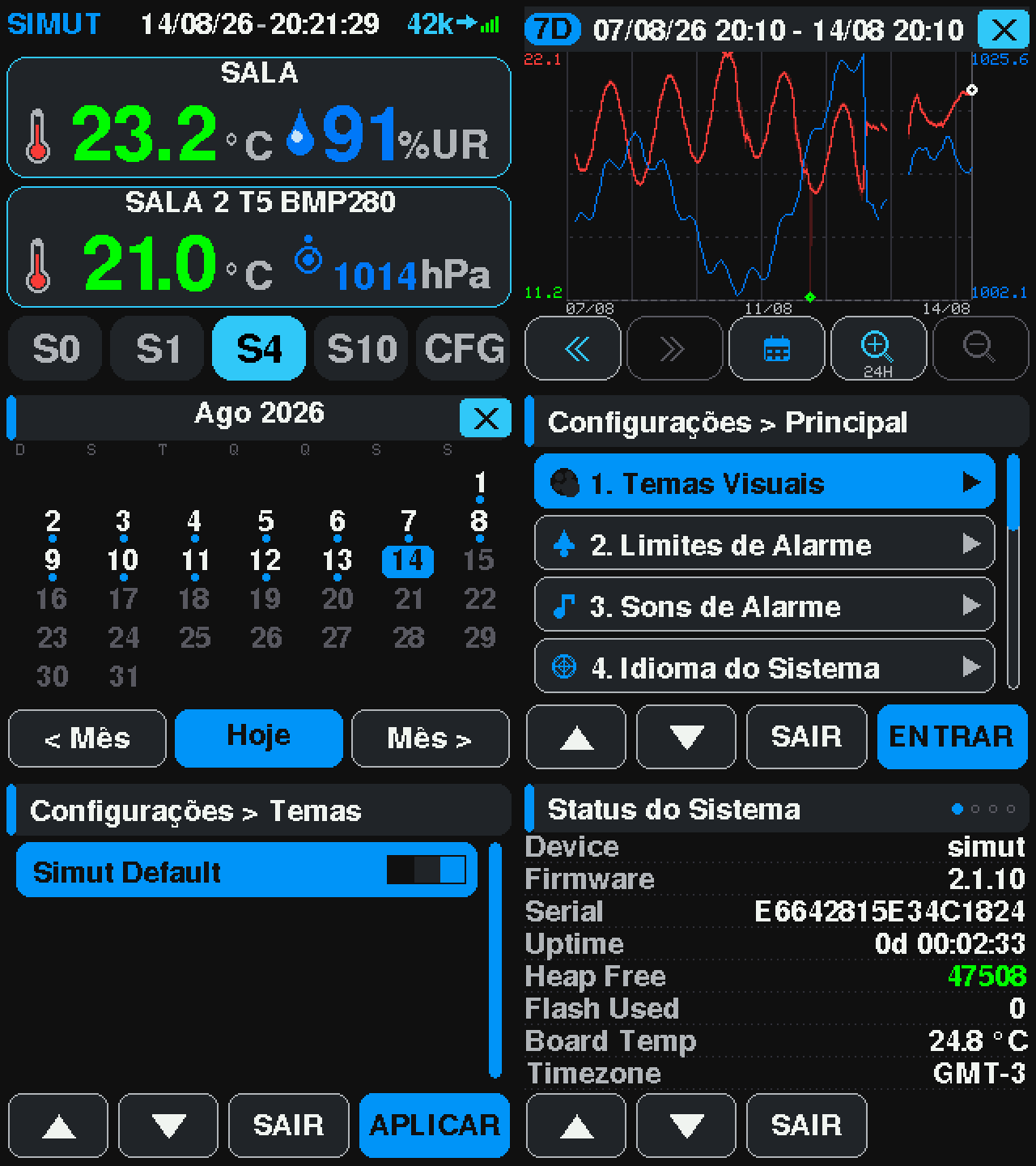
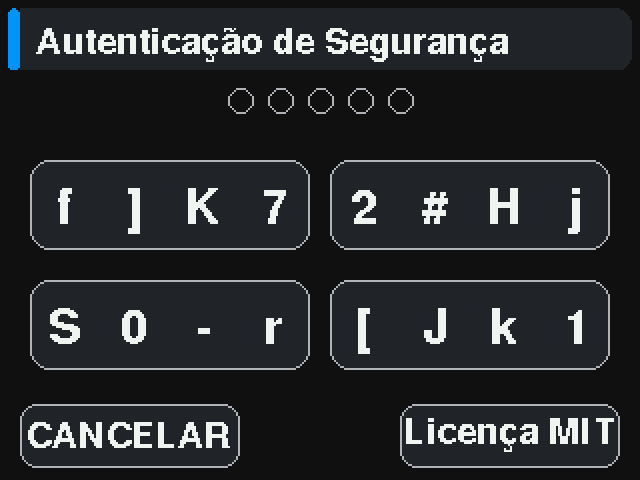
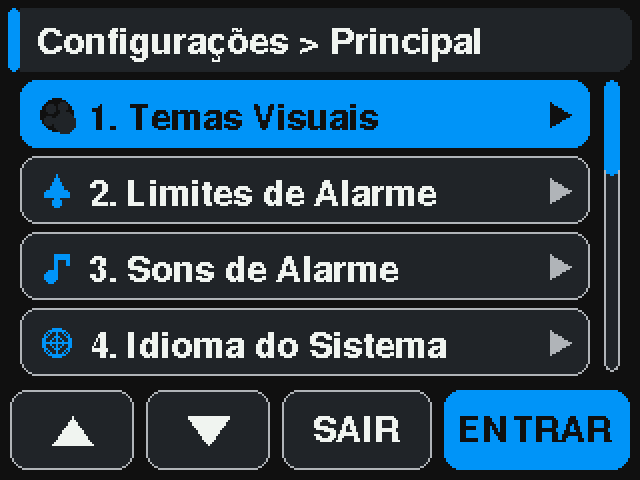
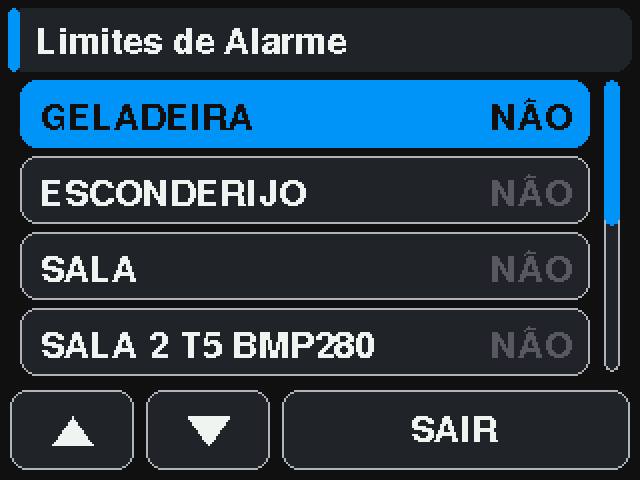
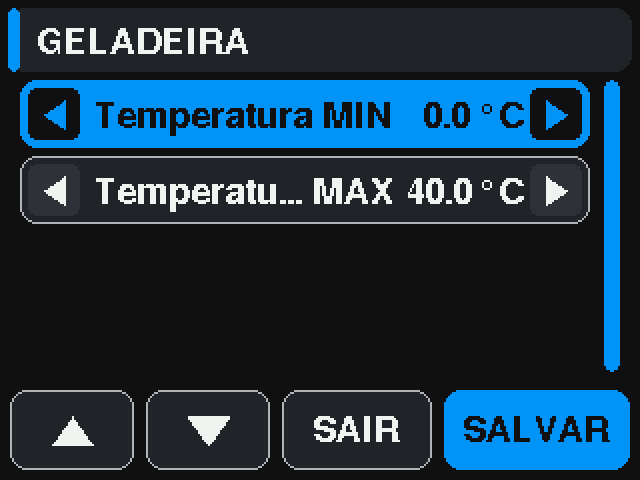
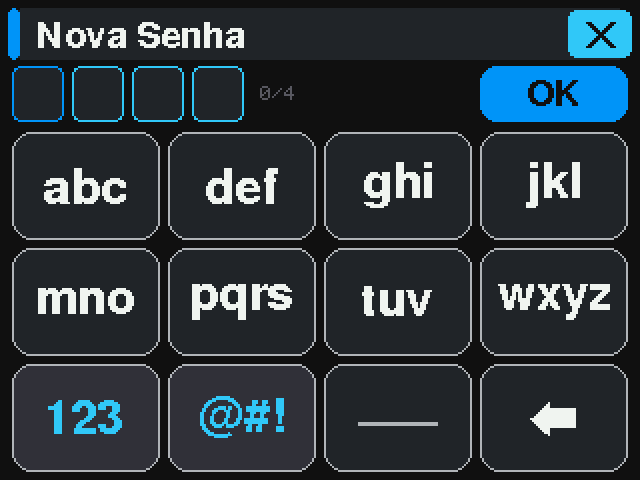
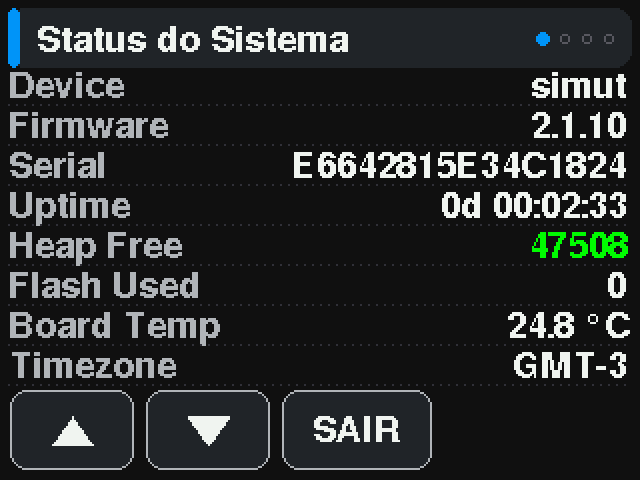
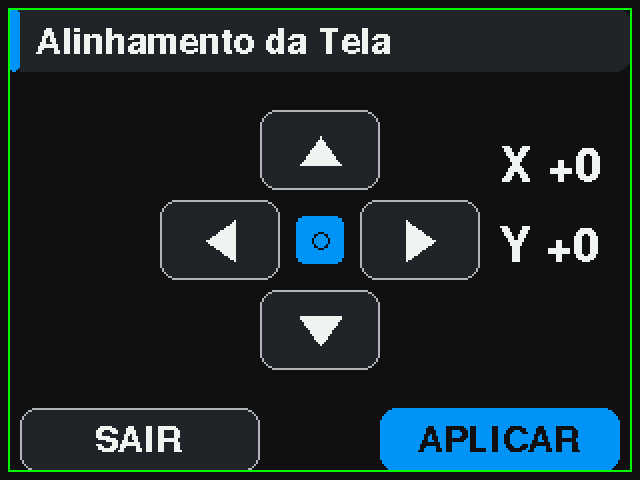
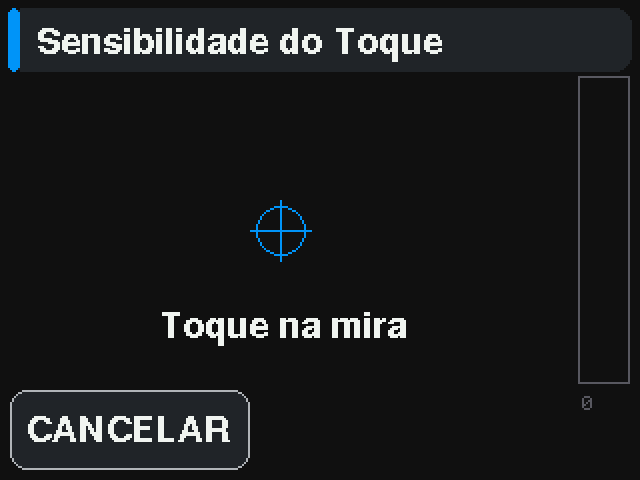
Touch dashboard
Live readings, history graphs and settings on a 320×240 TFT, driven by touch.
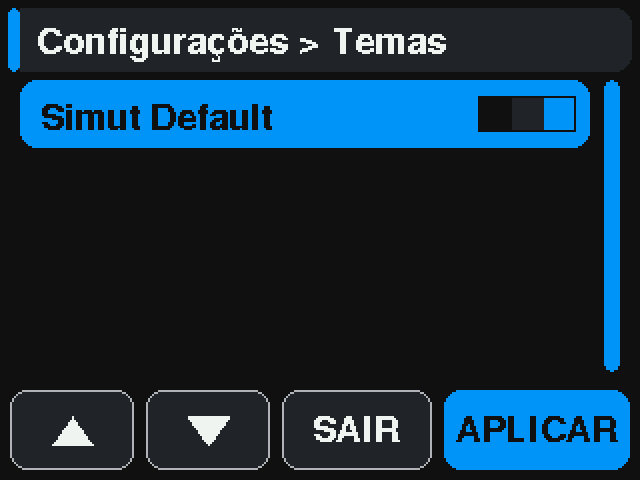
Design your own colour scheme in the browser: the theme editor logs into the
device, applies a preview and repaints the real panel while you work. Up to
eight live on the filesystem as .thm files.
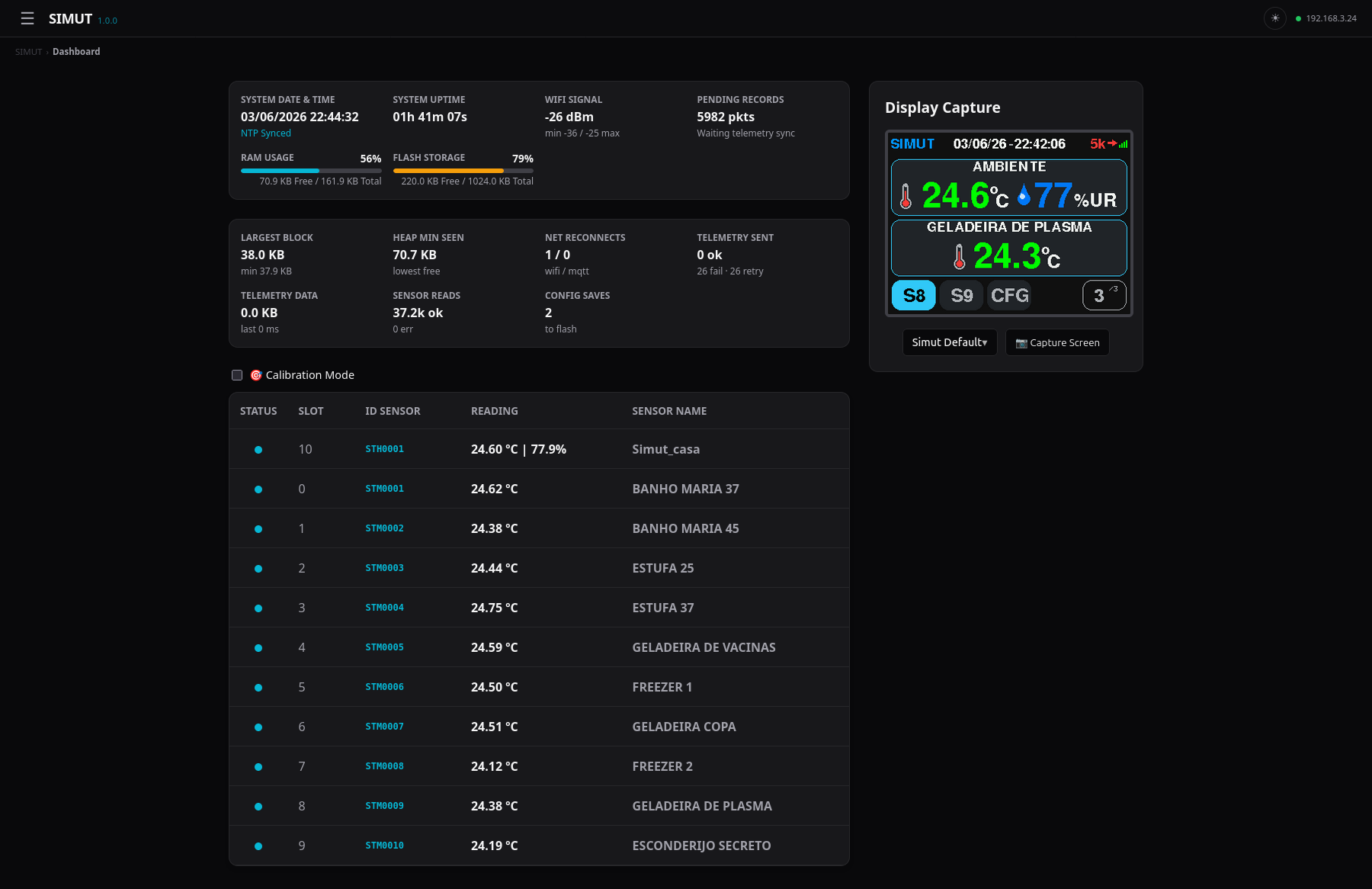
Its own web interface
A complete management UI served straight from the device: live graphs, file
manager, configuration, light and dark themes. Reachable at
simut.local on your LAN.
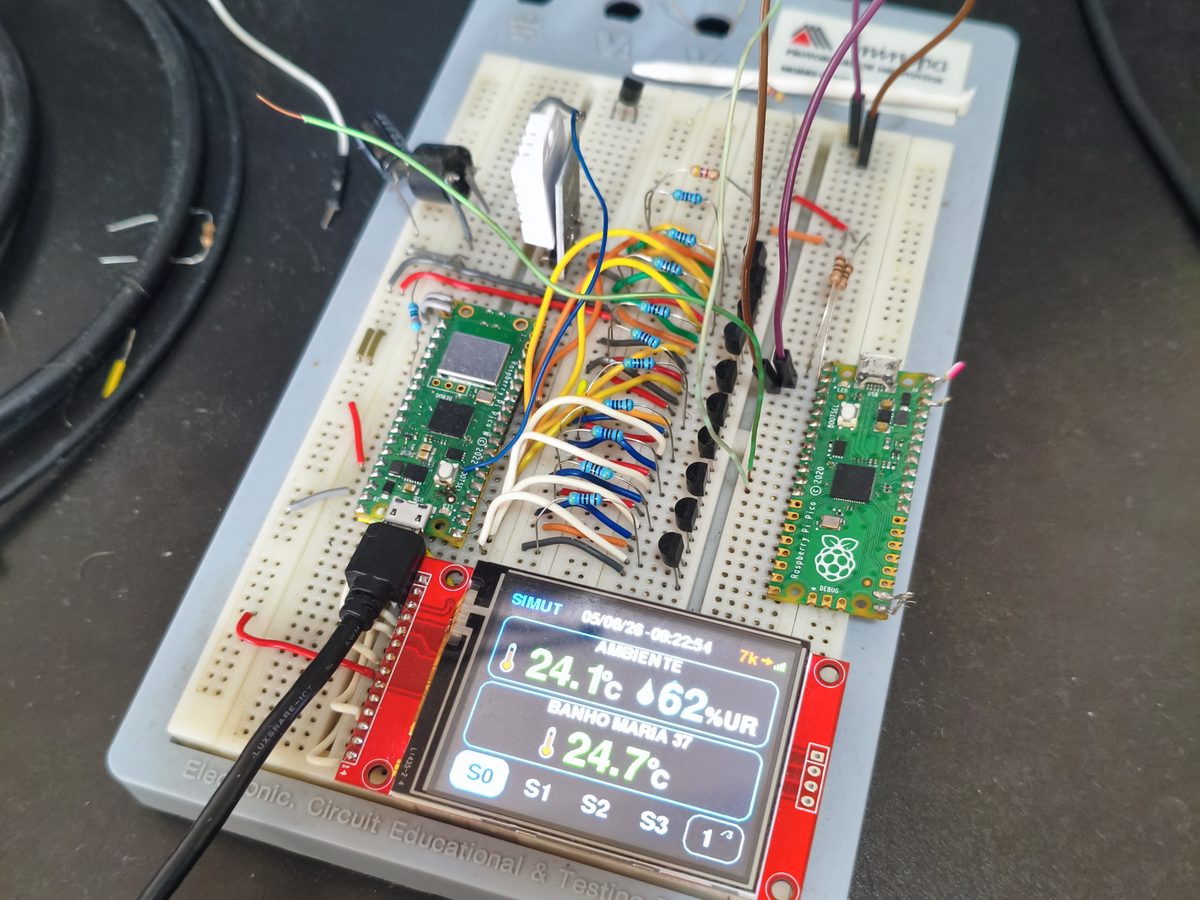
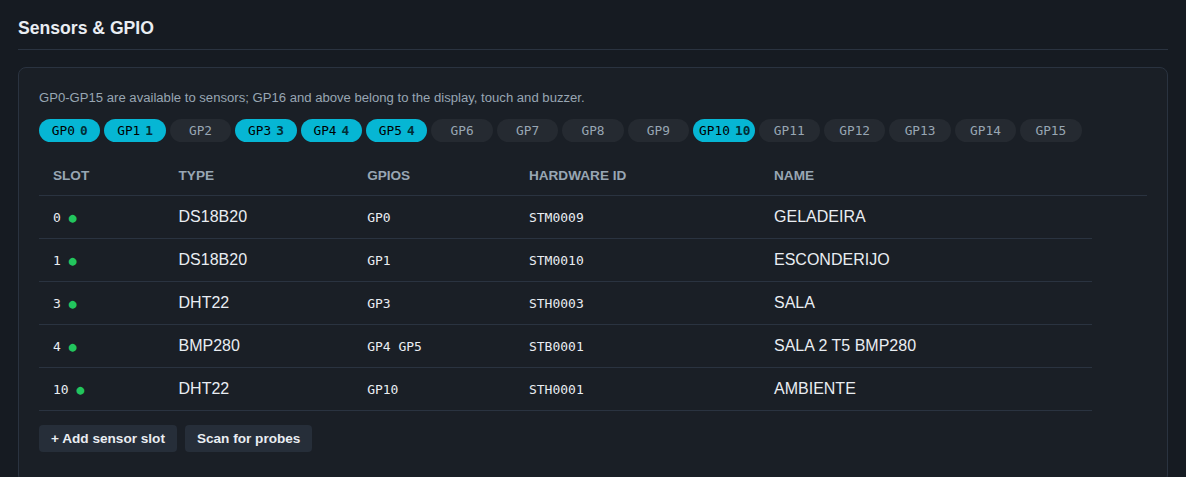
Sixteen universal slots
Any mix of DS18B20, DHT22, BME280 and BMP280 across GPIO0–GPIO15. Slots are
interchangeable — none is special, and calibration follows the sensor rather
than the position.
Passwords done properly
SHA-256 with a random 8-byte salt per user and multiple HMAC rounds — never
a bare hash. Login uses a server nonce so the password hash is not replayable,
and failures back off per IP.
Telemetry that survives the network
HTTP POST or MQTT, JSON, CSV or your own template, TLS on both. Readings are
batched out of history behind a cursor, so an outage queues rather than
loses — and retries escalate on an exponential backoff.
It records locally first
Every reading lands in a compact binary file on the device before anything is
sent anywhere. Browse it on the display or in the browser, export it as CSV,
and keep it if you never configure an endpoint at all.
Wi-Fi that reconnects itself
Disconnections retry on a backoff that widens to two minutes rather than
hammering the access point, and the buffer pool and send aborts are counted
so a marginal link is visible instead of merely felt.
Audit trail
A persistent binary log with rotation and CSV export, recording configuration
changes, security events and crash forensics captured through the watchdog.
Backup and restore
Download the whole filesystem as a single .bkp, verified by CRC32
and bound to the chip ID so an image cannot be restored onto the wrong board.
Three languages
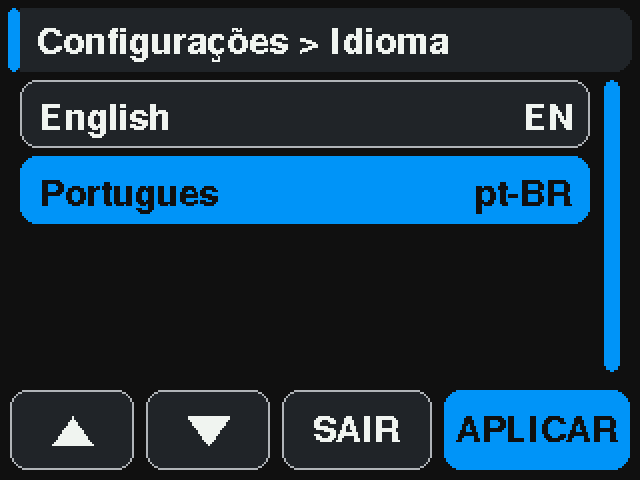
English, Portuguese and Spanish — on the display, the web interface and the
CLI help. All of it loads from language packs on the filesystem rather than
being compiled in, so a translation is edited without a rebuild.
It can run on a battery
The Air build has no display and sleeps between readings: 9.31 s awake, 51 s
asleep, the radio off unless there is a batch worth sending. The reading is
written to flash first, so a network that is down costs nothing but a delay.
Network on your terms
DHCP or a static address, your own DNS and NTP servers, and an mDNS name so
you do not have to memorise an IP. That name costs 15,272 B of flash —
measured, and removable in one flag.